
Zepp
Tools
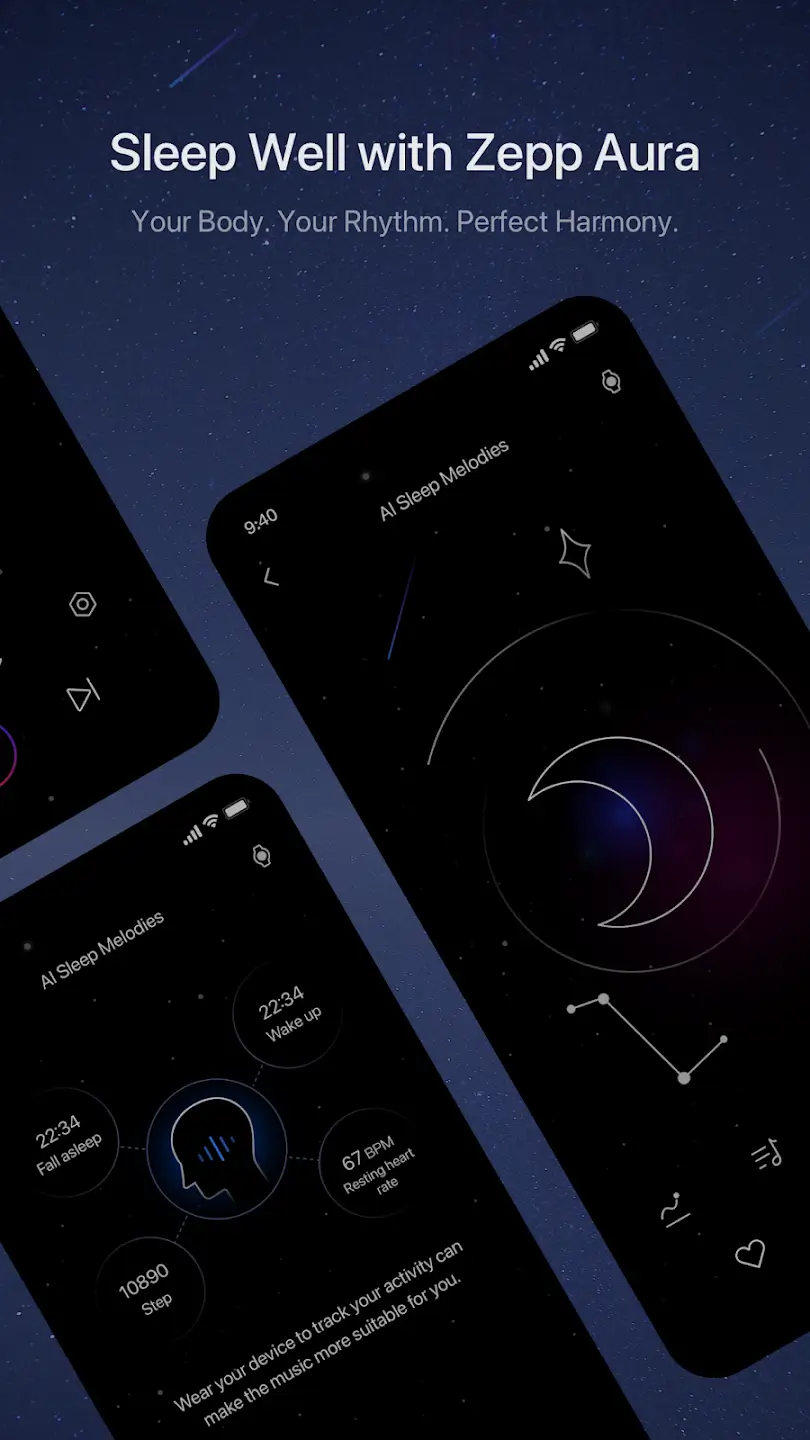
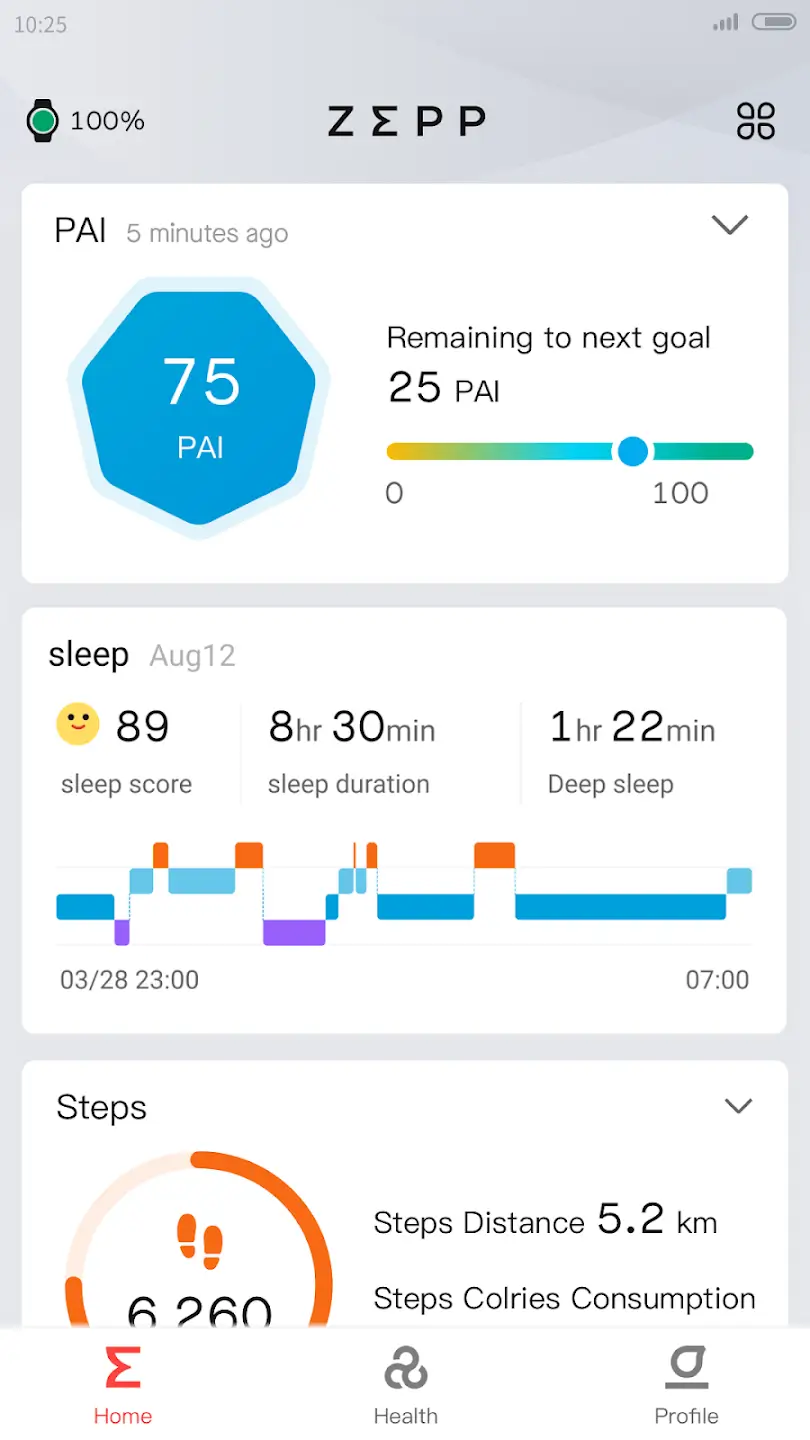
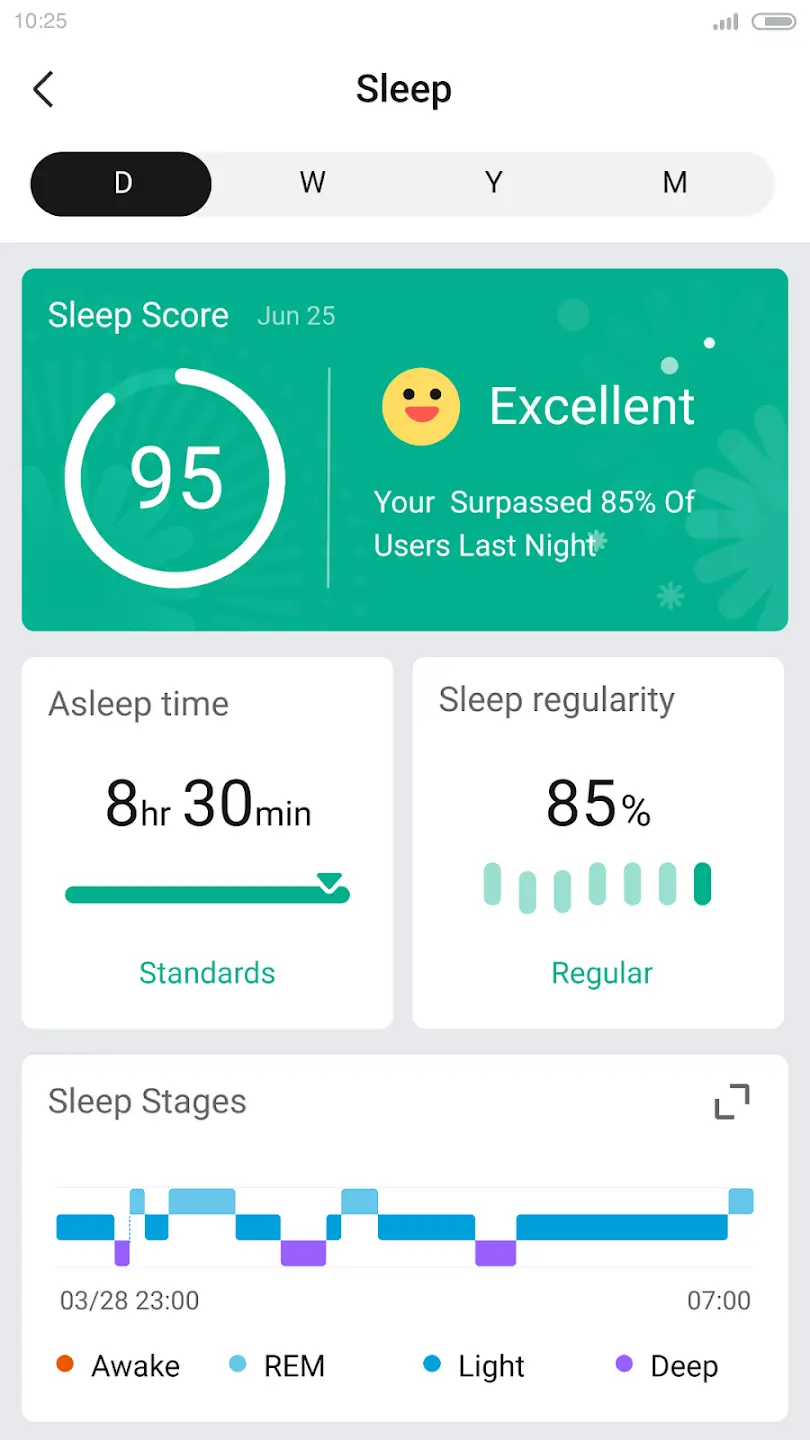
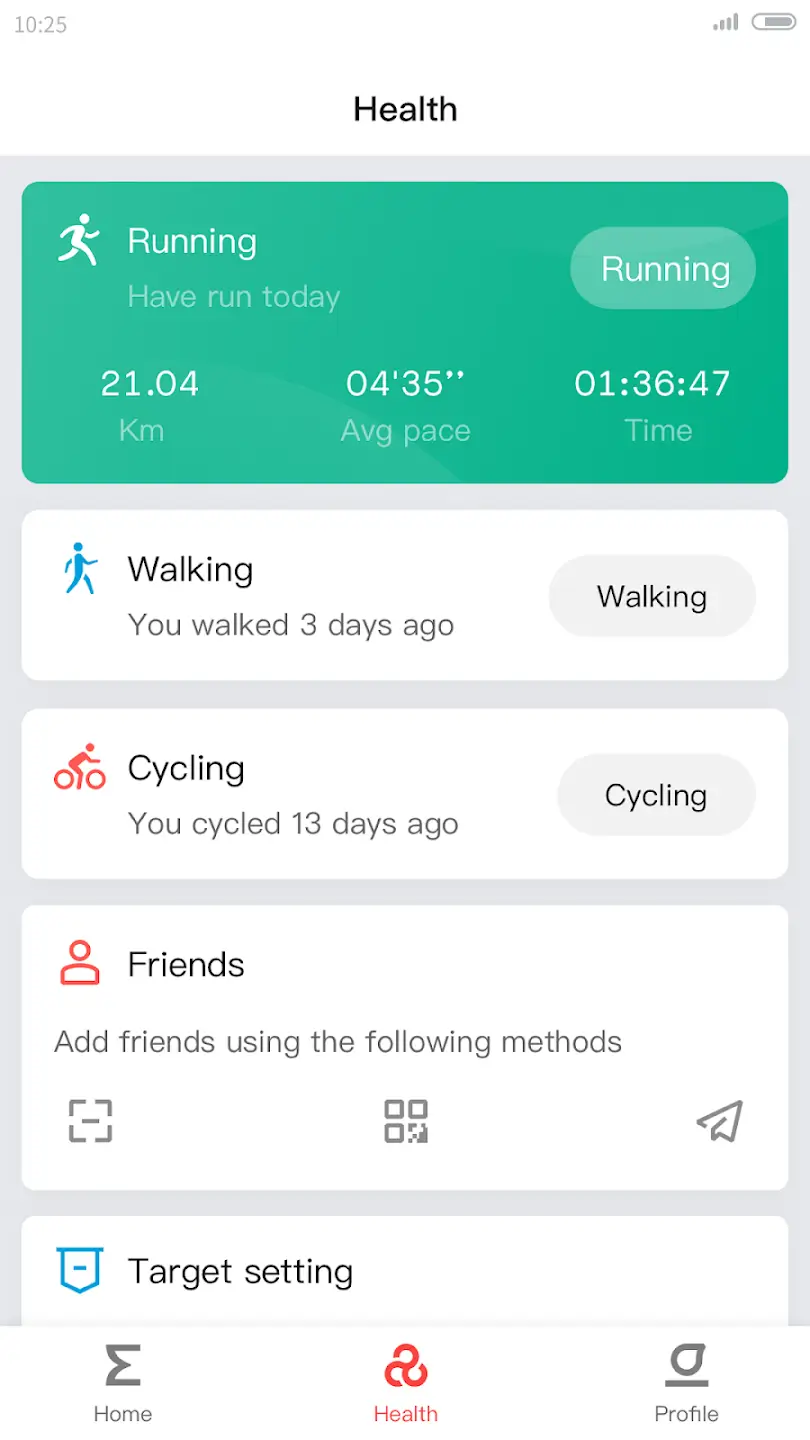

Zepp is the companion app for Zepp (formerly Amazfit) smartwatches and fitness trackers. It lets you sync activity data, adjust watch settings, install new watch faces, and receive firmware updates directly from your Android device.
This page provides a clean download link, a step‑by‑step installation guide, and practical tips for getting the most out of the app.
Quick Information
| App/Game Name | Zepp |
| Latest Version | 10.3.0-play |
| Developer | Not listed |
| Category | Apps / Tools |
| App Size | 261.65 MB |
| Package Name | com.huami.watch.hmwatchmanager |
| Last Updated | 1 October 2026 |
What Is Zepp?
Zepp serves as the central hub for Zepp wearable devices. After pairing a Zeph smartwatch via Bluetooth, the app records daily steps, heart rate, sleep patterns, and other health metrics. It also offers a gallery of watch faces, firmware upgrade notifications, and basic device configuration such as alarms, notifications, and sport modes. The app is aimed at users who own a Zepp smartwatch and want a dedicated Android interface for data sync and device management.
Compatibility
| Android Version | Not Verified |
| Architecture (ARM64 / 32-bit) | Not Verified |
| Internet Connection | ✓ Verified — May be required for ads, updates, or login |
| Storage Needed | Not Verified |
| OBB/Data Files | Not Verified |
| Root Required | Not Verified |
How to Install
- On your Android device, go to Settings > Security (or Privacy) and enable Install unknown apps for the browser or file manager you will use.
- Download the Zepp APK file from the provided link.
- Once the download finishes, open the file to start the installation process.
- Follow the on‑screen prompts, accepting the required permissions (Bluetooth, location, storage, etc.).
- After installation, launch Zepp, sign in with your Zepp/Amazfit account, and pair your smartwatch.
Troubleshooting
- App not installed: Ensure you have enabled installation from unknown sources and that the APK matches your device’s architecture (ARM64 vs. ARM).
- Crashes on startup: Clear the app cache via Settings > Apps > Zepp > Storage, then restart the app.
- Sync or pairing issues: Verify Bluetooth is on, the smartwatch is in pairing mode, and both devices have a stable internet connection.
- Login problems: Double‑check your Zepp/Amazfit account credentials or try resetting the password on the official website.
Safety & Security
Zepp is an official application for Zepp wearables, but always download the APK from a reputable source. Review the permission list during installation—Bluetooth, location, and storage are typical for a smartwatch manager. Keep the app updated to receive security patches, and avoid entering sensitive personal data if you are uncertain about the download origin.
How Zepp Compares
| Feature | Zepp | Google Fit | Samsung Health | Fitbit |
|---|---|---|---|---|
| Price / Free model | Free | Free | Free | Free with optional premium subscription |
| Platform availability | Android | Android & iOS | Android & iOS | Android & iOS |
| Standout feature | Direct management of Zepp smartwatches (watch faces, firmware) | Google ecosystem integration | Deep Samsung device integration | Robust community challenges and social sharing |
| Best for | Owners of Zepp/Amazfit wearables | Users seeking a simple health tracker across devices | Samsung device owners who want health tracking | Fitbit users and those who like social fitness features |
Alternatives
- Google Fit – A lightweight health app that aggregates activity data from many devices and integrates with Google services.
- Samsung Health – Offers comprehensive health tracking, especially for Samsung smartphones and wearables.
- Fitbit – Provides detailed activity logs, community challenges, and a premium subscription for advanced insights.
- Garmin Connect – Ideal for Garmin smartwatch owners, with robust sport‑specific analytics.
- Huawei Health – Supports Huawei wearables and offers a range of fitness tracking features.
Final Verdict
Zepp is the go‑to app for anyone who owns a Zepp (formerly Amazfit) smartwatch. It delivers essential syncing, watch‑face management, and firmware updates in a single free package. The app works on most Android phones, but users must enable installations from unknown sources and grant the necessary permissions. If you use a different brand of wearable, consider one of the alternatives listed above.
Frequently Asked Questions
The APK is safe when downloaded from a reputable source; always check the permissions it requests and keep the app updated.
Zepp works on Android 6.0 (Marshmallow) and newer, but newer versions provide a smoother experience.
An internet connection is required for initial setup, account login, and firmware updates, but basic Bluetooth syncing works offline.
The app can be installed without a device, but most features (syncing, watch‑face changes) are only functional when a Zepp smartwatch is paired.
Log in to the same Zepp/Amazfit account in Zepp; the app will automatically sync any previously recorded data.
This usually happens if installation from unknown sources is disabled, the APK is corrupted, or the device architecture is incompatible.
Yes, you can install Zepp alongside or replace the older Amazfit app; the new app will handle the same device connections.
Older APK versions may be found on trusted archives, but they might lack recent bug fixes and security updates.